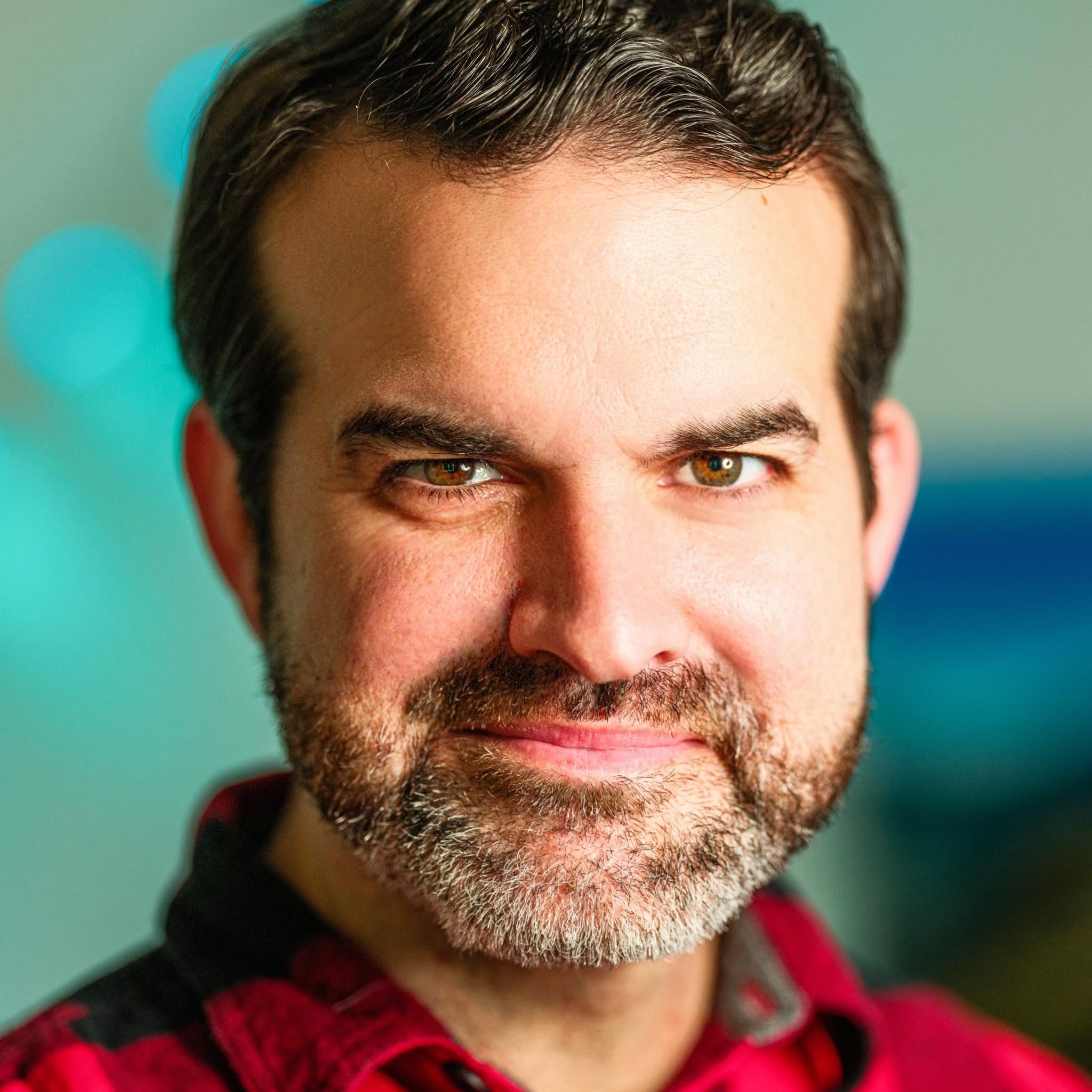

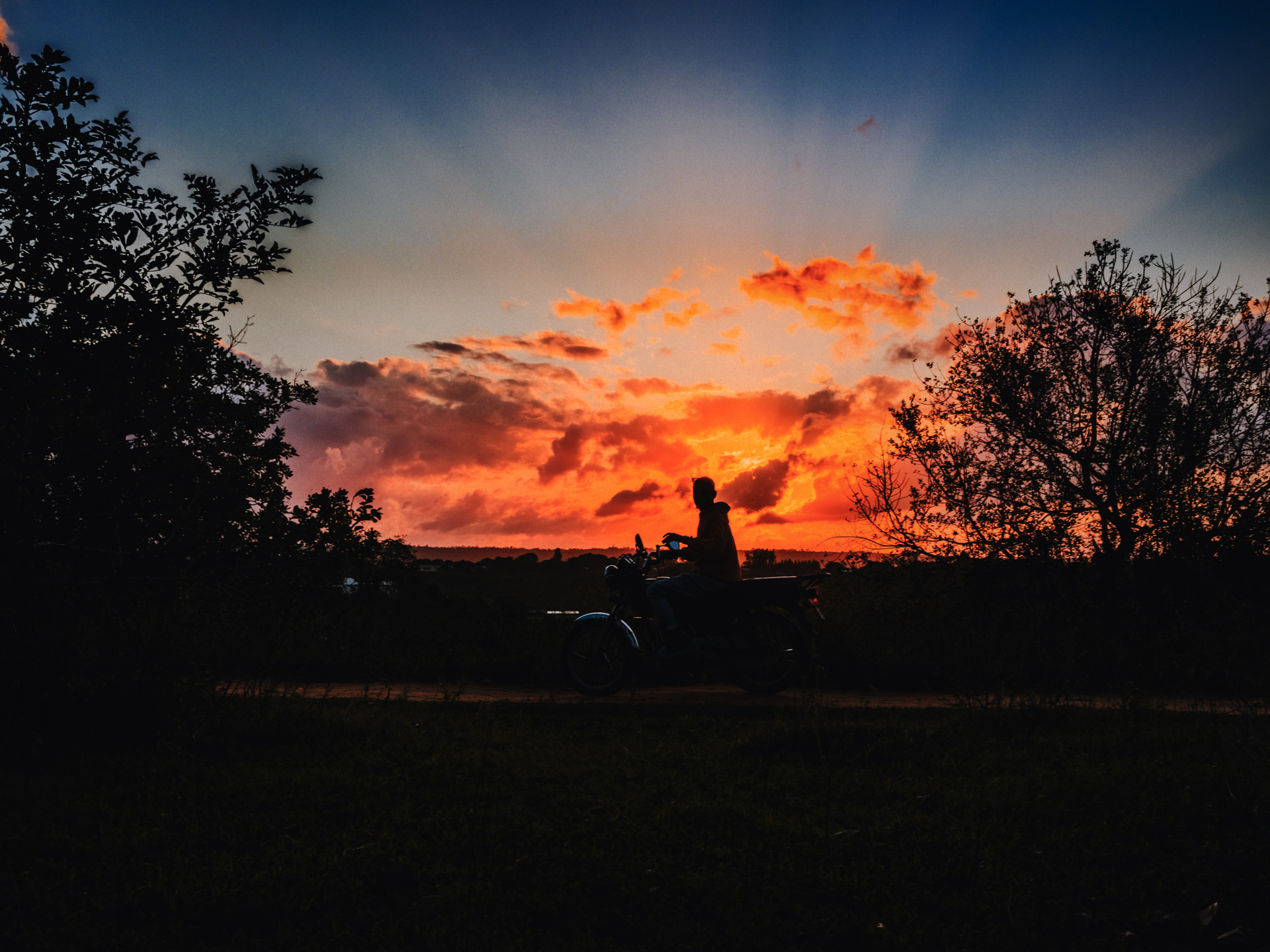
I want to start with something important. Every image on this site is real. Each photograph was taken by me, with a real camera, in a real moment. None of it was generated.
The site itself is a different story. Every page you're scrolling, every button, every gallery and every line of code behind it was built with Claude Code, an AI coding assistant made by Anthropic.
I've written before about using AI for the better, and about how the tool is never the point. This site is my clearest example of what I mean. I didn't use AI to replace my creativity. I used it to finally build the site I could see in my head, exactly the way I wanted it to look and feel.
Why I didn't just use a template
I've built websites for years, and I've built software platforms from the ground up. But I've also used plenty of website builders, and I always ran into the same wall. The template decides how things look, and you spend your time working around it.
As a photographer and storyteller, I'm particular about how things look. I care about how a photo is cropped, how a headline sits on an image, how much space breathes between sections, and how a page feels on a phone. I wanted a site where every one of those decisions was mine.
Building all of that by hand would have taken me months of evenings. With Claude Code, I could describe what I wanted, see it built, and refine it until it matched what I pictured.
How it actually worked
The process felt less like programming and more like creative direction.
I would describe a piece of the site in plain language, the same way I'd explain a shot to a second shooter. Something like: "I want a section with a tall photo on one side, text on the other, and a quote-style title between two thin lines." Sometimes I'd share a screenshot of a layout I liked, or a photo of a problem I'd spotted on my phone.
Claude Code would read the existing code, write the changes, test them, take screenshots of the result at desktop, tablet and phone sizes, and package everything as a pull request on GitHub for me to review. I'd look at it, ask for changes ("the title is too close to the line," "make this feel calmer"), and only when it looked right would I approve it and send it live.
The very first version of the project started from a simple starter generated with v0, Vercel's AI design tool. Everything after that was built with Claude Code, one conversation at a time. Since late September 2026, that has added up to roughly 100 merged pull requests, each one a feature, a fix or a refinement I asked for.
I still made every decision. I just didn't have to type every line.
The tech stack
For those who are curious about what's under the hood, here is everything this site runs on. I chose a modern, well-supported stack so the site would be fast, secure and easy to keep growing.
The foundation
Next.js 16, the React framework that handles pages, routing, server rendering and the admin.
React 19 for building the interface out of reusable components.
TypeScript, so the code catches its own mistakes before they ever reach a visitor.
Tailwind CSS 4 for styling, with shadcn/ui and Base UI components and Lucide icons.
pnpm for managing packages.
Data and storage
PostgreSQL, hosted on Neon, stores every page, post, gallery, comment and setting.
Drizzle ORM and node-postgres connect the code to the database.
Vercel Blob stores and serves every photo in the media library.
Sharp creates thumbnails and mid-size versions of each photo so pages load quickly.
Hosting and services
Vercel hosts the site and deploys each approved change automatically.
GitHub holds the code and the full history of every change.
better-auth handles the secure admin login.
Resend sends contact form messages and password reset emails.
Moosend powers the newsletter signup.
Cloudflare Turnstile protects every form from spam.
Mapbox draws the live visitor map in the built-in analytics.
The details
Tiptap is the rich text editor I write posts in.
sanitize-html cleans up text pasted in from other places.
Lenis adds smooth scrolling.
Google Fonts, so any font can be chosen from the admin.
What was built
The part I'm most grateful for isn't the public site you see. It's the custom content studio behind it. I can now shape almost everything on this site without touching code.
A section builder. Pages are made from 21 kinds of sections I can stack in any order, including heroes, project grids, image grids with a full-screen lightbox, galleries, quote columns, an elastic hover gallery, blog lists, contact forms and embeds. Each one was designed to look the way I wanted.
Live preview. As I edit a section, I see the change right away at desktop, tablet and phone sizes.
A saved section library. Favorite sections can be reused, and linked copies can update on every page at once.
A media library. Folders, thumbnails, upload progress bars, editable alt text and captions, and photos that shrink in the browser before they upload.
Image focus points. I can choose the important part of a photo so it stays in frame however it's cropped.
A journal. A writing editor, categories, search, scheduled posts, an RSS feed, author boxes and visitor comments I can reply to and moderate.
Galleries with cover images, categories and credited photographers.
Design controls. Site colors, typography, buttons, menus with dropdowns and a column-based footer, all set from the admin.
Version history that keeps the last 30 saved versions of every page and post.
Search and sharing. SEO titles and descriptions, social share images, an automatic sitemap and redirects for old links.
Privacy-respecting analytics. Cookie-free visitor stats with a live map, built in rather than handed to a third party.
What I learned
I want to be honest about this, because I don't think AI makes anyone a genius overnight.
Clear direction matters more than ever. The better I explained what I wanted and why, the better the result. Vague requests got vague results. That's true with people too.
Experience still counts. My years of building software helped me know what to ask for, what to question, and when something didn't feel right. AI didn't replace that knowledge. It multiplied it.
Taste can't be automated. Claude Code could build anything I described, but it couldn't decide what this site should feel like. That part was mine: the photographs, the voice, the spacing, the story.
Review everything. Every change came to me before it went live. Some came back two or three times. AI is a powerful collaborator, not a replacement for paying attention.
Why I'm sharing this
I'm not sharing this to impress anyone. I'm sharing it because I believe this opens a door for a lot of people.
For years, building something custom meant either learning to code deeply or paying someone who had. Now a business owner, a ministry, a creative or a small team with a clear vision can build tools that fit them, instead of bending themselves to fit a template.
That's the heart of what I want to help others do. Technology is a gift, and AI is one of the most powerful tools we've been given in a long time. Used with care, it lets us spend less time fighting our tools and more time telling the stories that matter.
If you're wondering what AI could help you build, or you'd like help figuring out where to start, I'd love to talk.

Comments
I’d love to hear what this story brings up for you.
Loading comments…